Disclosure: this post contains affiliate links. If you sign up for Wispr Flow through them, BoostStash may earn a commission and your price does not change.
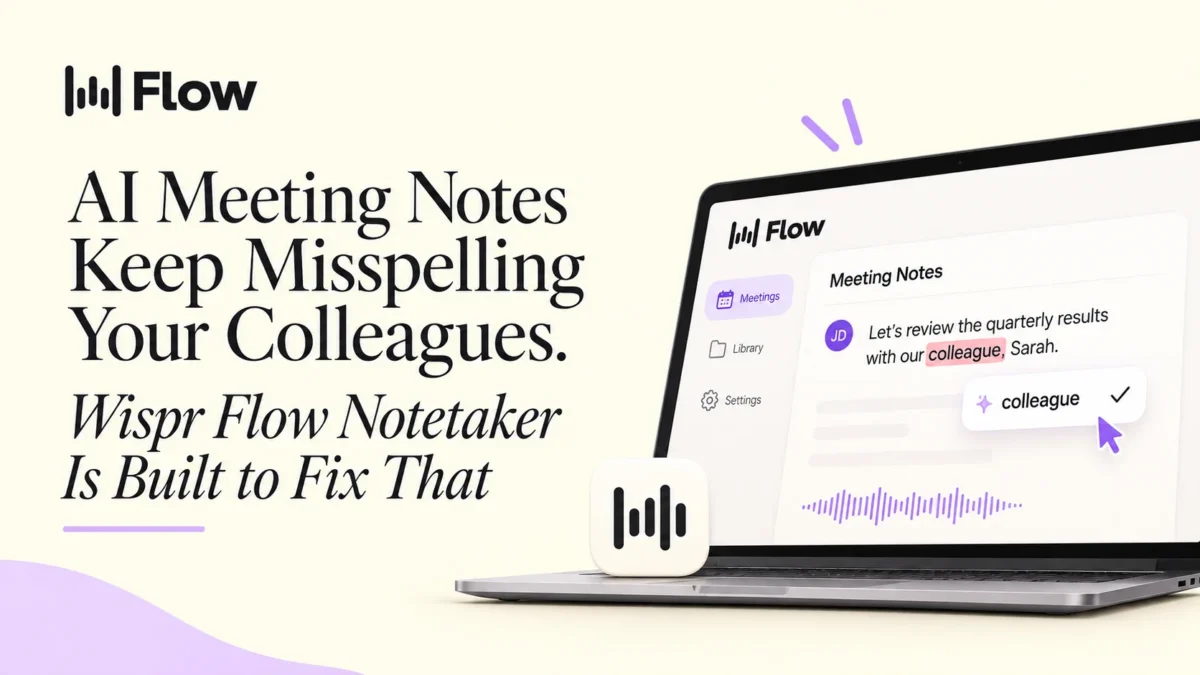
Wispr Flow Notetaker is an AI meeting notetaker from the team behind the Wispr Flow dictation app. Its main promise is accuracy on the details that usually go wrong: people’s names, product names and jargon. It works across Google Meet, Teams, Slack huddles and in-person conversations, runs on Mac, Windows and iPhone, and connects to Claude, ChatGPT and Gemini through MCP.
If you spend a big part of your week in meetings and you are tired of correcting transcripts, it is worth a trial. This review covers what it does, how it handles privacy, and who should skip it.
Try Wispr Flow Notetaker
Run it on one real meeting next to your current notetaker and compare the names and next steps.
Quick verdict
- Best for: founders, consultants, agency teams, sales and managers who live in meetings.
- Platforms: Mac, Windows and iPhone.
- Meeting types: Google Meet, Teams, Slack huddles and in-person conversations.
- AI integrations: Claude, ChatGPT, Gemini and other MCP tools.
- Import from: Granola, Otter and similar tools.
These details come from Wispr’s own product materials. Check the official page for current plans and pricing.
What is Wispr Flow Notetaker?
Wispr Flow started as a voice dictation tool that turns speech into clean writing in any app. Notetaker is its newer product for meetings. It records a conversation, produces a transcript and a summary, lists next steps, and lets you ask questions about what was said. If you have only seen the dictation side, our guide to vibe coding with Wispr Flow shows how the same team approaches voice input.
The team positions Notetaker around one idea: meeting notes accurate enough to act on.
How it handles names and jargon
Many AI notetakers transcribe a conversation with no background knowledge. Notetaker starts with the people on your calendar and the names and terms in your personal dictionary. After the meeting, it reviews the whole transcript to catch mistakes.
Wispr’s demo shows why that matters. The sample conversation includes Siobhan, Raphael, Nathalie, Tableau, Miro and Asana, and each one is a word a general model can easily mangle. If your meetings are full of client names, product names or industry terms, this is where you will feel the difference.
Where it works
Notetaker is designed to work wherever a conversation happens: Google Meet and Microsoft Teams calls, Slack huddles, and in-person meetings or informal catchups. A single button joins and records, and it can catch back-to-back meetings and calls that are not on your calendar.
On iPhone, you can capture in-person conversations and have the summaries and transcripts sync to your desktop. A kickoff at a cafe or a quick chat after an event no longer depends on you typing notes.
What the notes look like
Each meeting gets a summary, a transcript and a short next steps list with owners attached. In Wispr’s demo, a cafe website kickoff ends with three items: one person shares two design options on Thursday, another sends opening hours and a booking link that afternoon, and a third sends menu photos by Friday.
You can also ask questions inside the app, such as “What did I miss?”, which helps when you join late or step away.
Using your notes with Claude, ChatGPT and Gemini
Notetaker supports MCP, so your transcripts can feed into AI tools that speak the same standard. A few ways to use that:
- Ask Claude to draft a follow-up email from a client call.
- Pull every commitment from a week of meetings into one list.
- Prepare for the next call by summarizing what was decided in the last one.
One early-access user, an investor, said the agents he runs do noticeably better work with Notetaker transcripts. That is one person’s view, but the logic holds: better input produces better output.
Switching from Granola, Otter or Fathom
If you have a history of meetings in another tool, you can import it. Imported meetings show the source, meeting date, summary and transcript, so you are not starting from zero.
Privacy and security
Recording meetings deserves careful thought. Here is what Wispr says about team use:
- Admins can turn Notetaker on or off across the organization.
- An optional consent acknowledgment can require users to confirm they have obtained participant consent before recording (available on request).
- Model training is disabled for every enterprise account.
- Organization-level privacy rules cannot be changed by individual users.
Consent laws vary by location, so tell participants you are recording even when it is not strictly required. For sensitive conversations, read Wispr’s privacy policy and trust center first.
Notetaker and Flow dictation in one subscription
Wispr offers Notetaker and Flow dictation together. Notetaker captures what is said in meetings, and Flow lets you write emails, messages and documents by speaking. If you already dictate a lot, one tool covers both sides of the workflow. Mac users comparing options can also read our guide to speech to text on Mac.
Pros and things to check
Pros
- Built around accurate spelling of names and technical terms.
- Works across video calls and in-person conversations.
- Mac, Windows and iPhone support.
- Connects to Claude, ChatGPT and Gemini through MCP.
- Import path from Granola and Otter.
- Central admin and privacy controls for organizations.
Things to check
- It is a new product, so test it on your own meetings before committing a whole team.
- Confirm current plan details and pricing on the official site.
- Make sure your company policy allows recording and AI notetakers.
Who should try it
Notetaker suits anyone whose work depends on what gets said in conversation. Founders and consultants who run client calls, agency teams juggling several projects, salespeople who need clean follow-ups, and managers who sit through back-to-back meetings all fit. It matters less if you attend few meetings or your notes only need to be rough.
How to test it properly
Wispr itself recommends the simplest method. Record one real meeting with Notetaker and your current tool side by side, then compare:
- Spelling of names and product terms.
- Whether each next step has the right owner.
- How much editing the summary needs before you could send it.
Three meetings is enough to know whether it earns a place in your routine.
FAQ
How accurate is Wispr Notetaker?
Wispr says Notetaker is built to spell names, jargon and product terms correctly. It starts with the people on your calendar and the terms in your personal dictionary, then reviews the full transcript after the meeting to catch mistakes. Wispr suggests recording one meeting next to your current tool and comparing the two transcripts.
Does Wispr Notetaker work for in-person meetings?
Yes. Wispr describes Notetaker as capturing in-person conversations as well as video calls, and the iPhone app syncs summaries and transcripts to your desktop.
Can I record meetings that are not on my calendar?
Yes. Wispr says Notetaker is designed to catch back-to-back meetings and calls that are not on your calendar.
Can I use my meeting notes in Claude, ChatGPT or Gemini?
Yes, through MCP. Notetaker connects to Claude, ChatGPT, Gemini and other tools that support MCP.
Do I lose my history if I switch from Granola or Otter?
No. Notetaker can import your meeting history from tools like Granola and Otter, including the source, meeting date, summary and transcript.
Which platforms does Wispr Notetaker run on?
Mac, Windows and iPhone.
Is my meeting data used to train models?
Wispr states that model training is disabled for every enterprise account. Read the privacy policy and trust center before using Notetaker for sensitive conversations.
Final thoughts
Meeting notes are only useful when you trust them. Wispr Flow Notetaker puts its effort into the details that erode that trust: wrong names, garbled terms and vague next steps. With MCP support and an import path from other tools, it is an easy product to run a short trial on.
Ready to test it?
Start with one meeting and see how it handles your names, your tools and your next steps.