
Disclosure: the Firecrawl links in this guide are affiliate links, so BoostStash may earn a commission if you sign up through them. This is a research-based guide, not a hands-on test, and the costs below are my arithmetic on Firecrawl’s published rates.
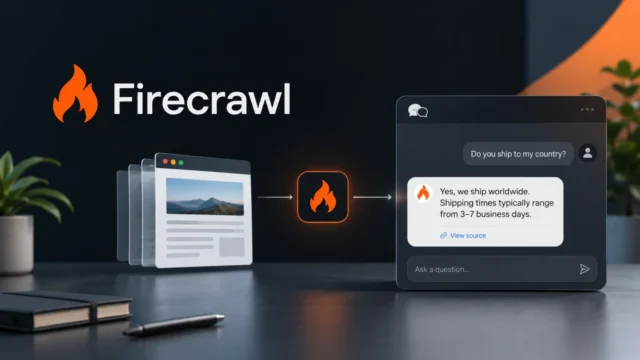
Firecrawl is worth a look if your AI agents need current web pages and you are tired of feeding them raw HTML. The catch is the credit system, which looks simple until you add search, JSON extraction and an open-ended crawl. This guide covers what each plan buys, what a typical agent job costs, and how to pair Firecrawl with Herdr when you run several agents at once.
One thing up front: I have not run this setup myself. The costs below are arithmetic on Firecrawl’s published rates, and the Herdr behavior comes from its documentation, independent reviews and a video walkthrough. I say which is which as I go.
Firecrawl suits agents that read the live web, and structured extraction is where the bill grows
- Your agents need current pages such as docs, pricing and changelogs as clean markdown instead of raw HTML.
- You want one tool that searches, scrapes, maps and crawls, with a CLI, an MCP server and installable skills.
- You work in Claude Code, Codex, Cursor or OpenCode, which Firecrawl’s docs name as agents that discover its skills automatically.
- You only need a few pages now and then. A plain fetch tool may be enough, and the free plan still covers the experiment.
- Your jobs are mostly structured JSON extraction. That format costs five credits per page against one for markdown, which shrinks small plans quickly.
- You plan to self-host and modify the code. The main repository is licensed under AGPL-3.0, so read the license first.
Starting cost is zero: the free plan gives 1,000 credits a month. My read, built from the documentation and the pricing page and not from hands-on use, is that Firecrawl is a sensible default for agent web access, provided you set page limits and watch which output formats you request.
Search finds the pages, scrape reads them, and map and crawl handle bulk work
Firecrawl’s onboarding docs describe a typical order of operations. Search when you don’t have a URL yet. Scrape the best results into markdown. Use interact if a page needs clicks or a form. Reach for map or crawl when you need many pages from one site. A separate agent endpoint handles open-ended jobs that span several pages, and the pricing page lists it with five free runs per day.
The CLI documentation shows the four commands you will use most:
firecrawl search "query" --limit 10
firecrawl scrape https://example.com --only-main-content -o page.md
firecrawl map https://example.com --search "pricing"
firecrawl crawl https://docs.example.com --limit 50 --wait -o docs.json
There are three ways to connect an agent. The CLI and skills install with npx -y firecrawl-cli@latest init --all --browser. The hosted MCP server at https://mcp.firecrawl.dev/v2/mcp works without an account for search, scrape and parse, with per-IP rate limits, and an OAuth endpoint unlocks the full tool set according to Firecrawl’s MCP guide. The REST API takes a bearer key.
The CLI writes results to files, and Firecrawl says this keeps large pages out of the model’s context. That is a company claim, and I have not measured it. It is a reasonable design either way, because a worker that saves a summary to disk hands the next agent something small.
A plain page costs one credit, and the plan you pick sets what a credit is worth
Firecrawl’s pricing page lists these plans as effective September 4, 2026. The last column is my own arithmetic: the annual price divided by monthly credits.
| Plan | Monthly | Annual (per month) | Credits per month | Concurrent requests | Cost per credit, annual |
|---|---|---|---|---|---|
| Free | $0 | $0 | 1,000 | 2 | $0 |
| Hobby | $19 | $16 | 5,000 | 5 | $0.0032 |
| Standard | $99 | $83 | 100,000 | 25 | $0.00083 |
| Growth | $399 | $333 | 500,000 | 50 | $0.00067 |
| Scale | $749 | $599 | 1,000,000 | 100 | $0.0006 |
There is also an Enterprise tier with custom terms. The free credits refresh every month according to the official page, although older reviews call them a one-time allowance. The Decodo pricing breakdown says annual billing is charged upfront for the year, so check the checkout total before you commit.
The jump from Hobby to Standard is the notable one. Credits get about four times cheaper and concurrency goes from 5 to 25, but the monthly bill goes from $16 to $83. If you are a solo developer running a few agents, Hobby’s 5,000 credits is the realistic ceiling to plan around.
Base costs are 1 credit per scraped or crawled page and 2 credits per 10 search results. Add-ons change the math. The JSON, Question and Highlight formats add 4 credits per page, so a structured scrape costs 5 credits. On the Hobby plan billed annually that is roughly 1.6 cents per page against 0.32 cents for plain markdown. Decodo’s breakdown, last updated November 5, 2026, also lists PII redaction and a prompt injection check at 4 extra credits each per page, and PDF parsing at 1 extra credit per PDF page. I could not verify those add-on prices against Firecrawl’s own pages, so confirm them before budgeting around them.
Paid plans can also buy $5 top-ups. Decodo reports these add 1,000 credits on Hobby and 2,000 on Standard, and that free accounts cannot buy them.
Herdr earns its place once you run three or more agents at the same time
Firecrawl works fine with a single agent and no extra tooling. Herdr becomes useful when several agents are working at once and you keep losing track of which one is waiting for you.
Herdr is a terminal multiplexer in the tmux family. It runs your agents in panes, keeps them alive in a background server when you detach, and labels each recognized agent as working, blocked, done or idle in a sidebar. It is free, and it moved from the AGPL license it launched with in March 2026 to Apache-2.0 on July 22, 2026, according to one reviewer’s check of the license history. The project announcement post footer now describes it as open source under Apache 2.0.
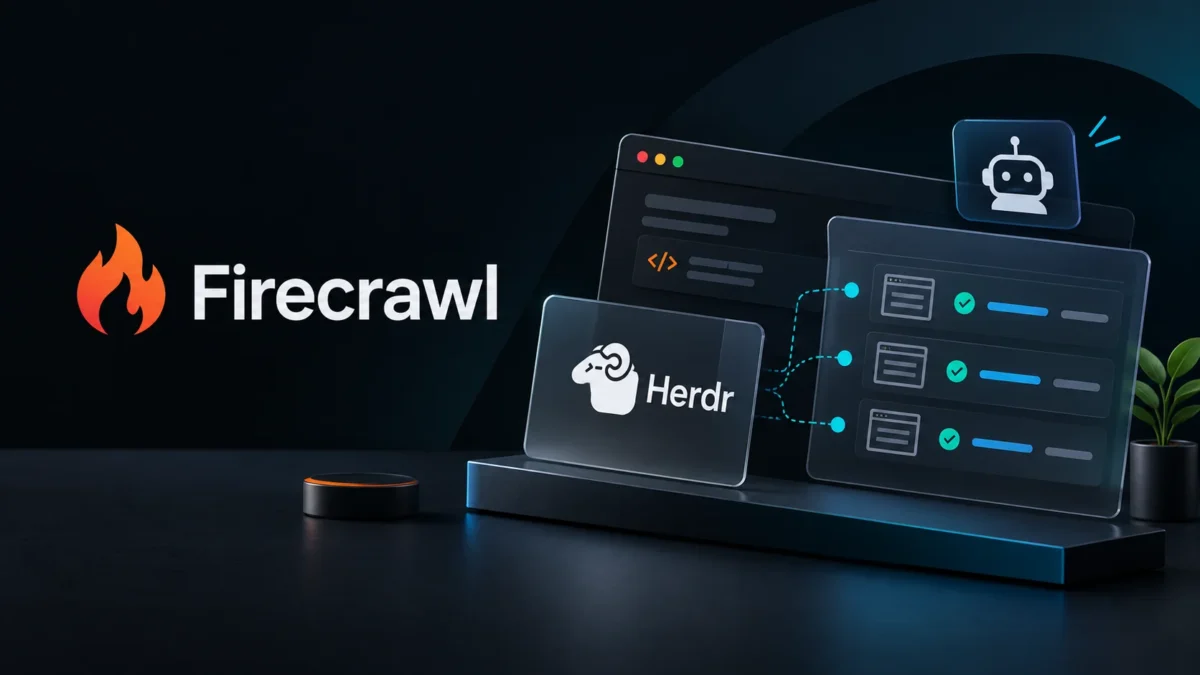
The feature I find most relevant here is that agents can drive it. Herdr exposes a CLI and socket API and bundles an agent skill, printed with herdr --skill, so a parent agent can open panes, start workers and wait for their state to change. In the video walkthrough I was given, the presenter has a Claude Code session open panes for Codex, Grok, Antigravity and a second Claude, then collect their output. Those are the presenter’s results, not something I reproduced.
Install it with curl -fsSL https://herdr.dev/install.sh | sh or brew install herdr, start it by typing herdr, and optionally run herdr integration install <agent> for tighter state reporting. Detach with Ctrl+b then q. Herdr is pre-1.0. The newest release in the changelog collection I checked is v0.9.5 from October 14, 2026, and earlier releases included breaking changes, so pin the version if you build something around it. For a fuller look at the tool itself, see my Herdr review.
Mapping a site first makes a three-agent docs audit about a third of the cost
Here is a job that uses both tools, with the credits worked out in advance. You want to know what three vendors’ API docs say about rate limits and pricing. This is a design built from documented features and published rates, not a test result.
Start one parent agent in Herdr and have it open three worker panes, one per vendor. Each worker then follows the same four steps:
- Run
firecrawl map <docs site> --search "rate limits"to list URLs related to the topic. The CLI docs show map accepting a search term, and map costs 1 credit. - Pick up to 15 of those URLs and scrape each with
firecrawl scrape --only-main-content -o research/<vendor>/<page>.md. - Write a short summary to
research/<vendor>.md, with the source URL beside every claim. - Stop. The parent reads the three summaries and writes one comparison, marking any claim that lacks a source URL as unverified.
The alternative is to crawl each docs site with a 50-page limit and let the agent sift through everything. The credits differ a lot:
| Approach | Credits per worker | Credits per run (3 workers) | Runs on Free (1,000) | Runs on Hobby (5,000) |
|---|---|---|---|---|
| Crawl, 50-page limit | 50 | 150 | 6 | 33 |
| Map, then 15 scrapes | 16 | 48 | 20 | 104 |
Those figures are my arithmetic from the published rates of 1 credit per page crawled or scraped and 1 credit for a map call. That assumes map is billed per call. Firecrawl’s pricing page words it as per page in one place and per call in another, and Decodo reports per call. If it is billed per page, the map-first route costs more than shown. The map-first route costs less because you pay only for pages you chose to read, and the agent spends fewer tokens skimming irrelevant ones. The trade-off is that the worker has to pick good URLs, and a bad pick means missing the page that mattered.
Two practical notes. Three workers need three concurrent requests, and the Free plan allows two, so I would expect some queuing there. That is my inference from the limits, not something I observed. Hobby allows five. And in Herdr, the sidebar is where you will notice a worker blocked on a permission prompt. The walkthrough shows a filter overlay for exactly that, so you can approve the prompt and move on.
Give your agents clean web pages instead of raw HTML
Start on the free plan with 1,000 credits a month, set a page limit on every crawl, and see what a real job costs before you pay for anything.
Try Firecrawl free → Affiliate link. BoostStash may earn a commission if you sign up.What can go wrong: injected instructions, runaway crawls and licensing
- Prompt injection. Everything an agent scrapes is untrusted text, and a page can contain instructions aimed at the AI that reads it. Herdr organizes agents but does not sandbox them, so they run with your user account’s permissions. Two Firecrawl pages I fetched while researching carried text addressed to AI agents, including a line telling them to fetch onboarding instructions. That looked like legitimate onboarding, and I did not act on it, but a hostile page could do the same thing. Give worker agents write access only to a research folder, and keep credentials away from them.
- Runaway crawls. Decodo’s breakdown reports that a crawl with no page limit defaults to 10,000 pages, and that failed pages can still cost credits. I could not confirm either point in Firecrawl’s docs. Set
--limitevery time and checkfirecrawl credit-usageafter a job. - Pricier targets. The same breakdown says some sites cost more per request, listing X/Twitter at 30 credits and LinkedIn data at 5 to 40 credits depending on the provider. Treat those as unverified numbers and check before pointing an agent at them.
- Licensing. Firecrawl’s main repository is AGPL-3.0, with MIT for its SDKs and some UI components, per the README text quoted by ClaudeKit. Herdr is Apache-2.0 today, but its license changed once already.
- Site rules. Check the terms and robots.txt of any site you scrape. I am not a lawyer, and the rules differ by site and country.
- Moving targets. Both tools update often. Herdr is pre-1.0 and Firecrawl’s pricing page is dated by effective date, so recheck both before you budget.
Questions about Firecrawl for AI agents
Do I need an API key to start?
Not for the basics. Firecrawl’s docs say the CLI, SDKs and REST API allow keyless search, scrape, interact and parse, rate-limited, and the hosted MCP endpoint covers search, scrape and parse without an account. Crawl, map, interact and agent on the MCP side need an account through OAuth or an API key.
What is the difference between map and crawl?
Map lists the URLs on a domain without pulling their content, so it is cheap and useful for planning. Crawl extracts the content of an entire site or docs set and costs a credit per page, so give it a page limit.
Do I need Herdr to use Firecrawl?
No. Herdr helps once you run several agents at once and want to see which ones are working, blocked or finished. A single agent with Firecrawl’s skills needs nothing else.
Is Firecrawl open source?
The main repository is AGPL-3.0 and self-hostable through a multi-container docker-compose stack. The hosted API is a separate service with its own plans, and the SDKs are MIT licensed. If you would rather not run it yourself, start with Firecrawl’s free hosted plan.
How this article was researched
This is a research-based guide, not a hands-on review. I did not run Firecrawl or Herdr for it, and the credit budgets are my arithmetic on published rates, not measured usage. Where a figure comes from a third party and I could not confirm it on Firecrawl’s own pages, the text says so.
The Firecrawl facts come from its pricing page, onboarding and CLI documentation, and two of its blog posts. The Herdr facts come from its announcement post, a changelog collection and an independent comparison, plus a video walkthrough I was given, which I use only for what the presenter reported. Firecrawl’s pricing and credit rules change often, so the date on each figure matters. I also followed my affiliate link to see where it lands: it opens a Firecrawl page, and the first page can be Alexandria, which is why I point readers to the pricing page too.
Spotted something out of date or wrong? Tell me and I will fix it with a note on what changed.
Sources
Checked November 8, 2026.
- Firecrawl pricing, effective September 4, 2026
- Firecrawl AI onboarding docs
- Firecrawl CLI docs
- Firecrawl MCP guide for Claude Code and Codex, updated October 27, 2026
- Introducing Firecrawl Skill and CLI, January 27, 2026
- Firecrawl pricing breakdown, Decodo, updated November 5, 2026 (third party, add-on prices unverified)
- Firecrawl on ClaudeKit, license text from the README
- Herdr Alternatives, Munder Difflin, September 14, 2026: license history
- Herdr changelog collection, Gradually: release dates and
herdr --skill - Related on BoostStash: Herdr Review: The tmux Alternative Built for AI Coding Agents
About the author: Alex Carter is the founder of BoostStash and BriefFlash. His background is in digital solutions, programming, SaaS and automation, and BoostStash is where he evaluates AI tools and software from the perspective of someone trying to get real work done.