
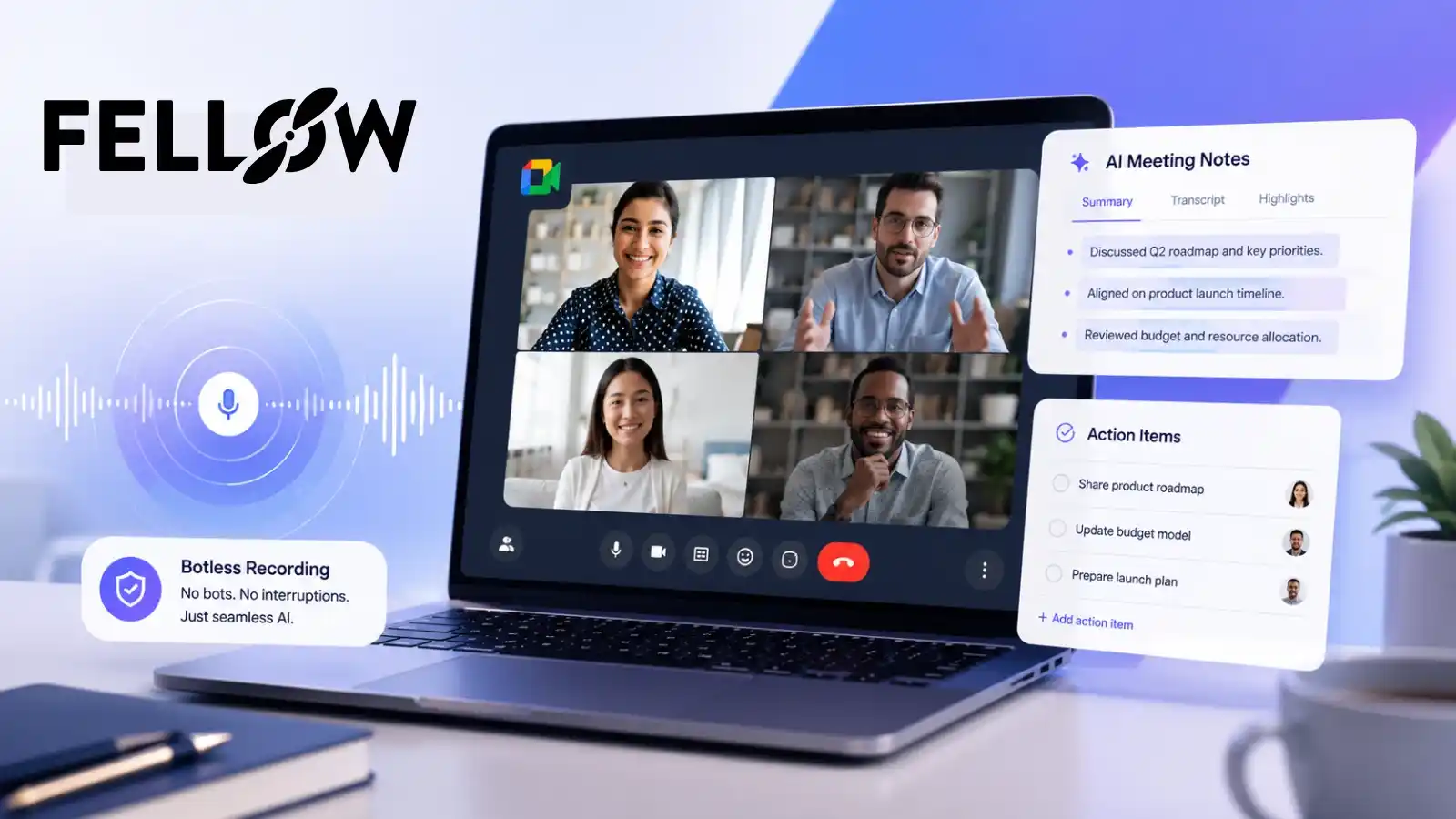
Starting in late March 2026, Google Meet began flagging every third-party AI notetaker bot with a “potential risks” label in the waiting room — forcing hosts to manually admit it within minutes or lose the recording entirely. Most tools, including Otter and Fireflies, still rely on bot-based capture and are stuck fighting this warning on every call. Fellow is the strongest pick for Google Meet in 2026 because it’s one of the only tools offering both an AI Note Taker with automatic bot admission and genuine Botless Recording — audio captured directly from your device with no bot, no waiting room, and no warning label at all.
Best overall: Fellow (from $7/user/mo) · Best for dodging the warning entirely: Fellow’s Botless Recording · Best native option: Google Gemini
Try Fellow Free for Google Meet →Why Google Meet Changed Everything in March 2026
If you’ve used an AI meeting assistant in Google Meet recently, you’ve probably seen something new: your notetaker bot sitting in the waiting room labeled “potential risk,” with a note that the host needs to manually approve it.
This isn’t a bug, and it isn’t specific to one tool. Google rolled out a two-queue admission system across Meet in late March 2026 that automatically flags all third-party meeting bots — regardless of vendor — with this warning. Hosts now have to actively click through to admit the bot, and most tools give you a narrow window (typically 4–5 minutes) before the bot gets kicked out and your meeting goes unrecorded.
This shift didn’t happen in a vacuum. It follows a wave of privacy litigation across the AI notetaker space, including a consolidated class action against Otter.ai and separate suits filed against Fireflies over recording consent practices. Microsoft has announced similar “Unverified bot” labeling coming to Teams, and Zoom has already implemented comparable controls. The entire industry is tightening how third-party bots get access to your calls — and Google Meet moved first and hardest.
For anyone running client calls, sales demos, or sensitive internal meetings, this creates a real problem. A visible bot sitting in your waiting room with a “risk” label next to it doesn’t exactly build client confidence — and if nobody catches the admission prompt in time, you lose the entire recording.
What Actually Happens When You See “Potential Risk”
Here’s the practical reality across the major tools right now:
Fellow is one of the only tools in this roundup offering both paths. Its botless capture works across Zoom, Google Meet, Microsoft Teams, and Slack huddles, plus in-person meetings via its mobile app — confirmed through hands-on testing on a Slack huddle, an in-person planning session, and a candidate screening call. That range matters if your team’s conversations don’t all happen inside scheduled Meet calls.
The Real Fix: Bot vs. Botless Capture
There are two fundamentally different ways an AI note taker can capture a Google Meet call:
Bot-Based Capture
The tool joins your call as a visible participant — you’ll see a name like “Notetaker” or “AI Assistant” sitting in the meeting grid. This is how Otter, Fireflies, and most legacy tools work. It’s also exactly what Google’s new warning system is designed to flag.
Botless Capture
The tool records directly from your device — through your microphone and system audio — without ever joining the call as a participant. There’s no name in the grid, no waiting room entry, and nothing for Google’s bot-detection system to flag.
Fellow’s implementation goes a step further than most botless tools: it shows internal participants a recording indicator and gives organizations the option to enable a disclosure modal for consent capture before the meeting starts. That combination of no bot plus visible consent controls is what separates it from a purely “private by default” approach — useful in a solo workflow, but thinner on governance for teams that need to know who’s recording what.
How to use each mode: use the bot for internal team calls where full video capture and visibility isn’t a concern. Use Botless Recording for client calls, sales demos, or any meeting where a flagged bot in the waiting room would be a problem.
Best AI Note Takers for Google Meet in 2026
Fellow
Best Overall — Bot Admission and Botless RecordingFellow is the most complete AI meeting notetaker for Google Meet in 2026, best for enterprise security, compliance, and cross-meeting intelligence, and it’s one of the only major tools offering a real structural answer to the bot-warning problem.
With Fellow’s free Chrome extension, you get automatic AI meeting notes, meeting transcripts, meeting summaries, AI-extracted action items, and highlights — organized by discussion topic and available in 90+ languages. Fellow’s Google Chrome extension puts a side panel directly inside your Google Meet call, so you never have to leave the tab to manage your agenda or notes.
The Google Calendar integration is equally deep: AI meeting notes, clips, recaps, and transcriptions are all accessible directly from your calendar event, with action item badges showing exactly what’s still outstanding before your next call.
Google Gemini (Native “Take Notes for Me”)
Since Gemini is built directly into Google Meet, it never triggers the third-party bot warning at all — it’s first-party by definition. If your organization is fully inside Google Workspace and you don’t need cross-platform features, action item assignment, or a searchable meeting library, Gemini is a reasonable baseline. Where it falls short is depth: no dedicated action item tracking system, limited template support, and no equivalent to Ask Fellow for querying past meetings conversationally.
Otter.ai
Otter remains a capable transcription tool, but it’s fully bot-dependent for Google Meet capture, meaning it’s directly exposed to the March 2026 warning system on every call. Combined with the ongoing consolidated litigation around its recording and consent practices, it’s a tool worth watching carefully before deploying at scale.
Fireflies.ai
Fireflies works, but its own documentation now includes step-by-step instructions for manually admitting its notetaker past Google’s warning — a workaround, not a fix. Like Otter, it’s currently facing separate litigation over recording consent, which is worth factoring into any enterprise buying decision.
tl;dv
tl;dv offers both a bot-based Chrome extension and a desktop app that captures audio without a bot, which is a smart hedge against the new Google Meet restrictions. It’s a reasonable choice for teams that want a lighter, more budget-friendly tool, though it lacks the depth of Fellow’s action item system, template library, and enterprise security certifications.
Fathom
Fathom is bot-based and subject to the same admission friction as Otter and Fireflies. It’s a fine option for smaller teams on a budget, but doesn’t offer a botless alternative for calls where a flagged bot is a dealbreaker.
Granola / Jamie
Both market themselves as botless — capturing audio at the device level without appearing as a call participant, so neither is directly affected by Google’s warning. Granola in particular has a genuinely well-loved “type rough notes, AI enhances them” workflow for individuals. But in side-by-side testing, Granola’s botless coverage doesn’t confirm Slack huddle support the way Fellow’s does, and it lacks HIPAA certification, transcript redaction, and the workspace-wide admin governance larger teams tend to need.
AI Meeting Note Takers for Google Meet: Quick Comparison
| Fellow | Gemini (Native) | Otter | Fireflies | tl;dv | |
|---|---|---|---|---|---|
| Botless option | ✓ Yes | N/A (native) | ✕ No | ✕ No | ✓ Desktop only |
| Avoids “potential risk” warning | ✓ With Botless | ✓ Native | ✕ No | ✕ No | ✓ Desktop only |
| Automatic bot admission | ✓ Yes | N/A (native) | ✕ Manual | ✕ Manual | ⚠ Varies |
| Ask AI about past meetings | ✓ Ask Fellow | ✕ Limited | ⚠ Basic | ⚠ Basic | ⚠ Basic |
| Action item tracking + assignment | ✓ Full | ✕ No | ⚠ Limited | ⚠ Limited | ⚠ Limited |
| Zero-Day Retention | ✓ Yes | ⚠ Varies | ✕ No | ✕ No | ✕ No |
| SOC 2 / GDPR / HIPAA | ✓ All three | ✓ (Google) | ⚠ Varies | ⚠ Varies | ⚠ Varies |
| Free plan available | ✓ Yes | ✓ Yes | ✓ Yes | ✓ Yes | ✓ Yes |
Our Choice: Why Fellow Is the Strongest Choice for Google Meet in 2026
The Fellow Chrome Extension: Before, During, and After the Call
What actually makes Fellow feel different day-to-day isn’t just the notetaking — it’s that the Fellow Chrome extension puts everything inside the tools you’re already using, instead of asking you to open yet another app.
Inside Google Calendar
Your Fellow notes and agenda show up right next to the calendar event itself, with unfinished action items appearing as badges directly on the event.
Inside the Meet Call Itself
Click the Fellow button in Meet’s control bar to open a side panel with live notes, agenda, and action items, collaborate on them in real time, and start recording with a one-click “Take AI Notes” button.
After the meeting, the notes, transcript, AI summary, and action items are already assembled in one place — ready to share as a recap, sync into your task tools, or query later with Ask Fellow. Most teams bounce between three to five apps during a single meeting; Fellow collapses that into one panel so you stay present in the conversation instead of managing the tooling around it.
Security and Compliance
For teams in regulated industries, the more meaningful controls are the ones that shape what happens to a recording after the call ends:
- Zero-Day Retention (optional) — Delete raw recordings and transcripts immediately after AI processing while keeping the summary and action items intact.
- Pause & Resume — Pause recording mid-call to keep a sensitive moment out of the transcript entirely, then resume without losing the rest of the conversation.
- Redaction — Remove specific content from notes and transcripts after the fact.
- Access permissioning — Admins control who can see notes, transcripts, and recordings at the meeting, team, or org level.
- No training on customer data — Fellow never uses customer conversations to train its AI models.
- Password-protected clips — Share a specific moment from a meeting without distributing the full recording; every clip respects existing permissions and is logged.
- Compliance portal — A centralized view to search, review, and flag meetings across the whole workspace, with AI trackers surfacing things like PII automatically.
On top of SOC 2 compliance, Fellow is also GDPR and HIPAA compliant, with a compliance portal, password-protected recaps, and built-in consent capture — a combination that puts it ahead of botless-only competitors like Granola, which currently has no HIPAA claim on its pricing or security pages.
Pricing That Scales With Your Team
| Plan | Price | Best For |
|---|---|---|
| Free | $0 | Getting started, individuals |
| Team | $7/user/month | Small teams |
| Business | $15/user/month | Growing orgs needing AI meeting support |
| Enterprise | $25/user/month, 10-user minimum | Advanced control, security, and AI meeting support |
Every paid tier includes an increasingly complete AI Note Taker, unlimited AI meeting notes and recordings on Business and above, Ask Fellow, CRM integrations on Business and Enterprise, and advanced security controls at the Enterprise level. Fellow supports standard credit card billing on all self-serve plans, with payment by invoice available on Business and Enterprise. If your trial ends without an upgrade, your workspace automatically reverts to the Free plan rather than billing you unexpectedly.
Real Integrations, Not Just Google Meet
Fellow connects with Zoom, Microsoft Teams, Slack, Claude, and 50+ project management and CRM tools, meaning your Google Meet notes don’t live in a silo — action items can flow directly into the tools your team already uses.
Frequently Asked Questions
Final Verdict
The AI notetaker landscape changed meaningfully in 2026, and any Google Meet roundup that doesn’t account for the March “potential risks” rollout is already out of date. Bot-based tools like Otter and Fireflies now carry structural friction on every single call — a friction that, combined with ongoing litigation around recording consent, is worth taking seriously before committing to a tool at scale.
Fellow stands out because it doesn’t force you to choose between full meeting capture and avoiding Google’s warning system. With automatic bot admission on its standard Note Taker, a genuine Botless Recording option that extends across Zoom, Teams, and Slack huddles, and enterprise-grade security — including Zero-Day Retention, SOC 2, GDPR, and HIPAA compliance — it’s the most complete and future-proof choice for Google Meet in 2026.
Try Fellow Free for Google Meet →Testing transparency: Findings on Fellow’s automatic bot admission, Botless Recording coverage (Zoom, Google Meet, Microsoft Teams, Slack huddles, and in-person via mobile app), and security controls draw on hands-on testing of Fellow’s Enterprise plan, including dedicated testing of botless recording on a Slack huddle, an in-person session, and a candidate screening call. Competitor claims (Otter, Fireflies, tl;dv, Fathom, Granola, Gemini) are based on each vendor’s published documentation and product pages as of publication. This article is not sponsored.