Loki.build Review 2025: AI Landing Page Builder
Start building professional landing pages in minutes
Try Loki.build Free – No Credit Card RequiredQuick Navigation
My Real-World Test: From Chaos to Published in 47 Minutes
Here’s what happened when I tested Loki.build with an actual client project.
The Problem: I had a SaaS client who needed a new feature landing page by end of week. Their designer was on vacation, and their developer was slammed with backend work. I was staring at a Google Doc full of copy, some rough wireframes, and zero time to build something from scratch in Figma or Webflow.
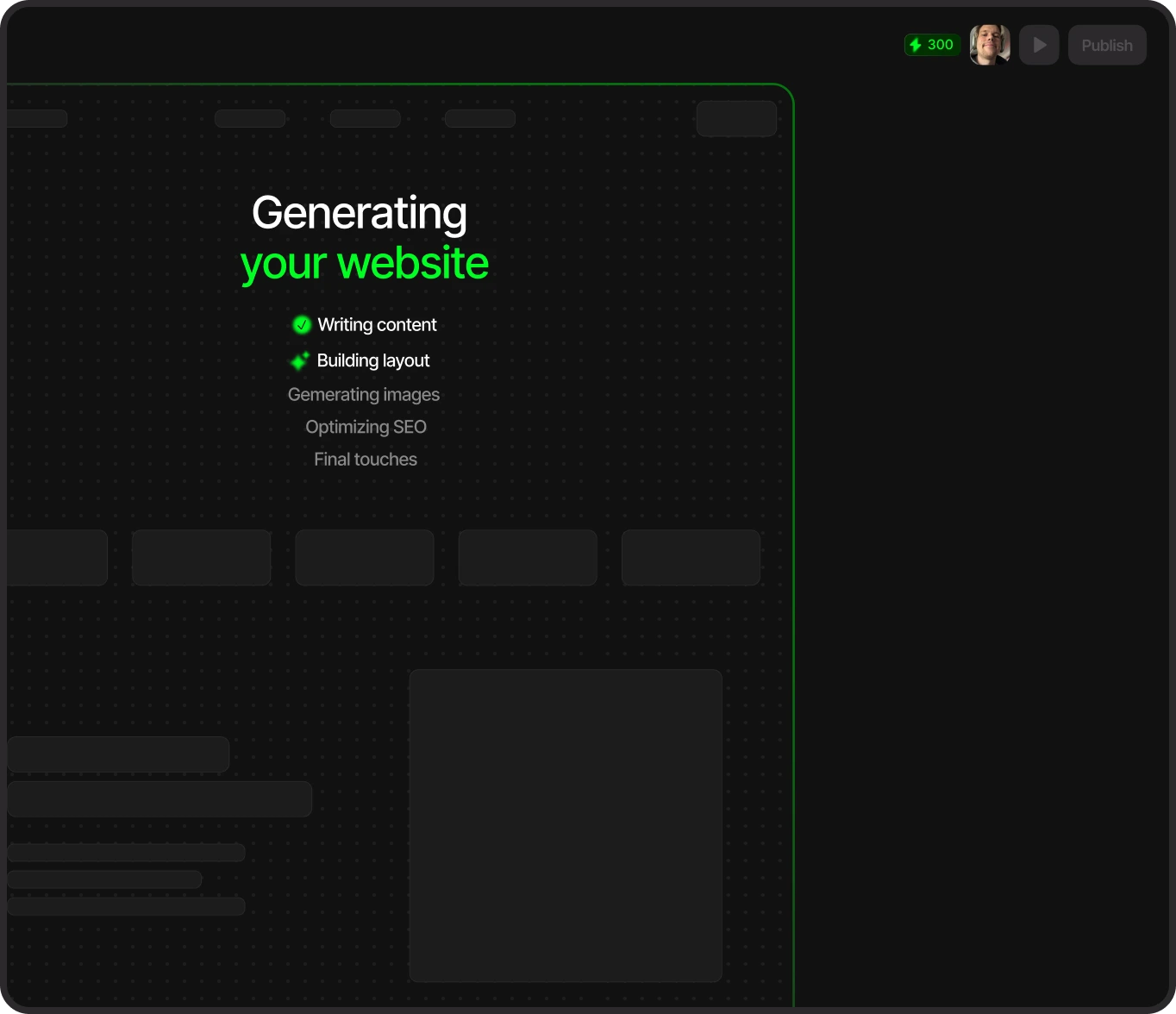
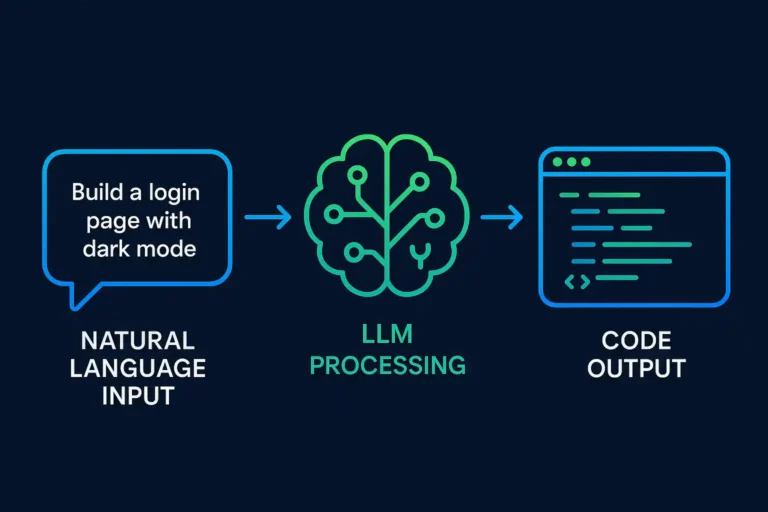
What I Did: I pasted the client’s product brief into Loki.build and hit generate. Within 90 seconds, I had a complete landing page with hero section, feature blocks, pricing table, FAQ, and CTA sections. The design wasn’t just passable. It was actually good.
The Results:
- Built and published in 47 minutes (that includes three rounds of AI-driven revisions)
- Saved approximately $1,500 vs hiring a freelance designer
- Client approved it on first review (that never happens)
I’ve tested at least a dozen AI builders. Most generate garbage that looks like a high schooler’s first WordPress site. Loki.build is different. The output quality is closer to what you’d pay a design agency $3,000-$5,000 to create.
The Problem vs. Solution: Features That Actually Matter
If You Struggle With… Wasting Days Tweaking Generic Templates
Then the AI-Native Editor is your solution.
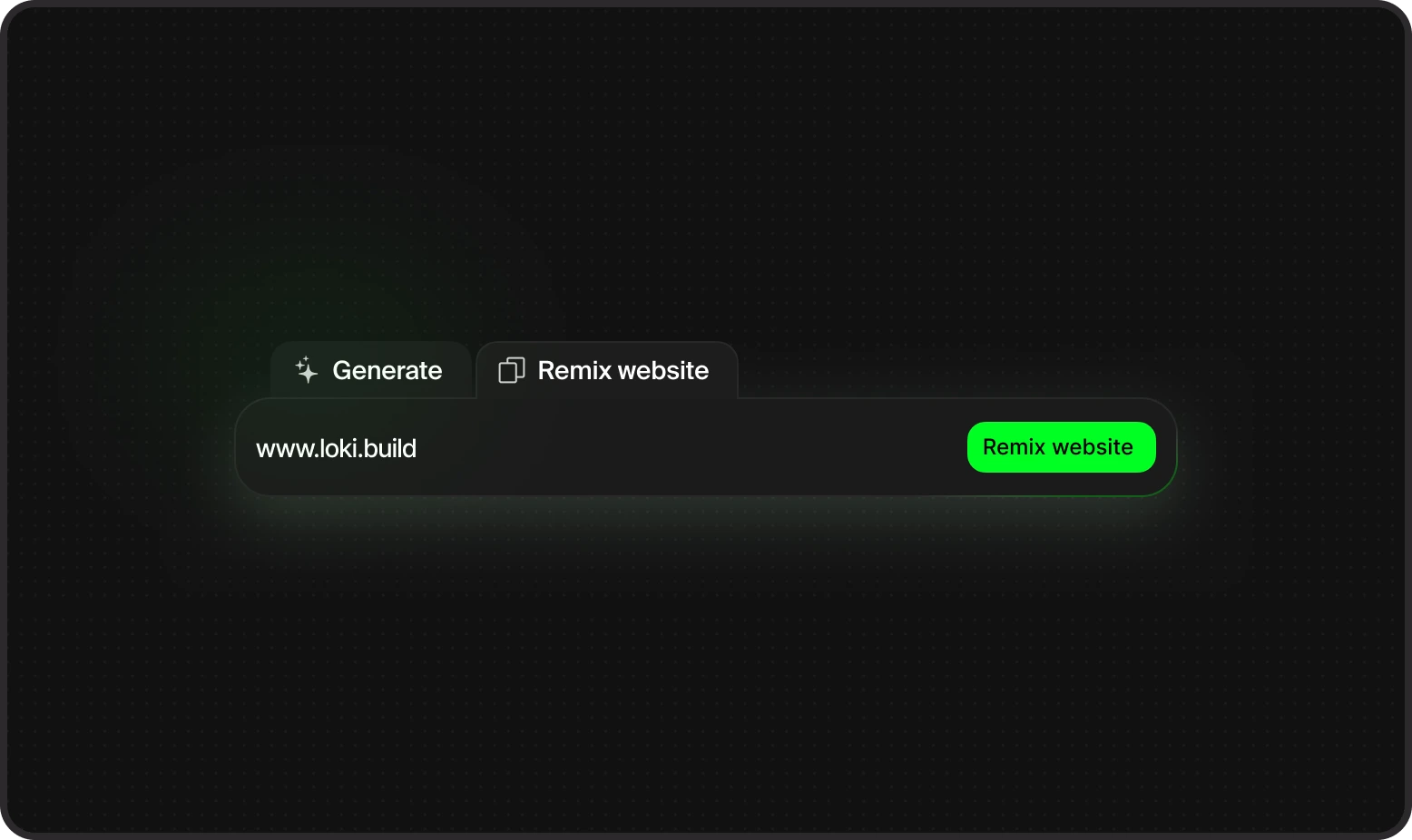
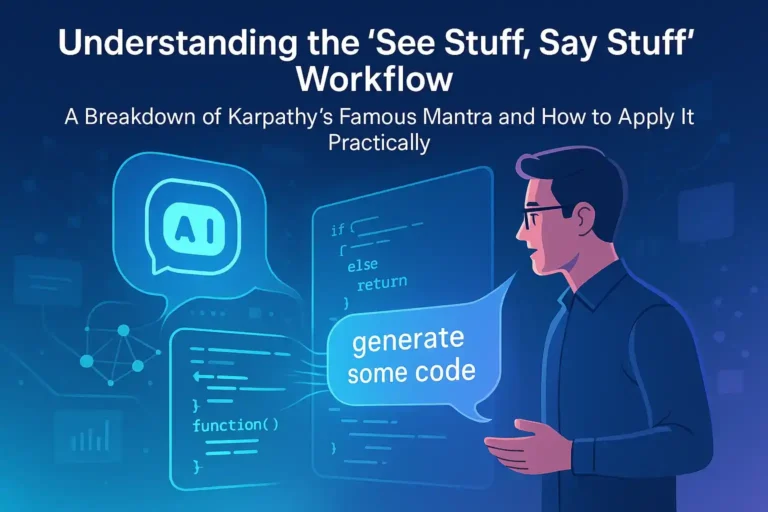
Most AI builders give you one output and that’s it. If you don’t like it, you start over. Loki.build’s editor lets you use natural language to “remix” specific sections. I typed “make the hero section more energetic” and it adjusted colors, added animations, and changed the CTA copy all in 15 seconds.
You’re not locked into what the AI spits out. You can also manually adjust spacing, colors, fonts, or swap entire layout blocks if you want pixel-level control. It’s like having a designer who instantly executes your vision.
If You Struggle With… Every Page Looking Different (Brand Consistency)
Then automatic brand consistency is your solution.
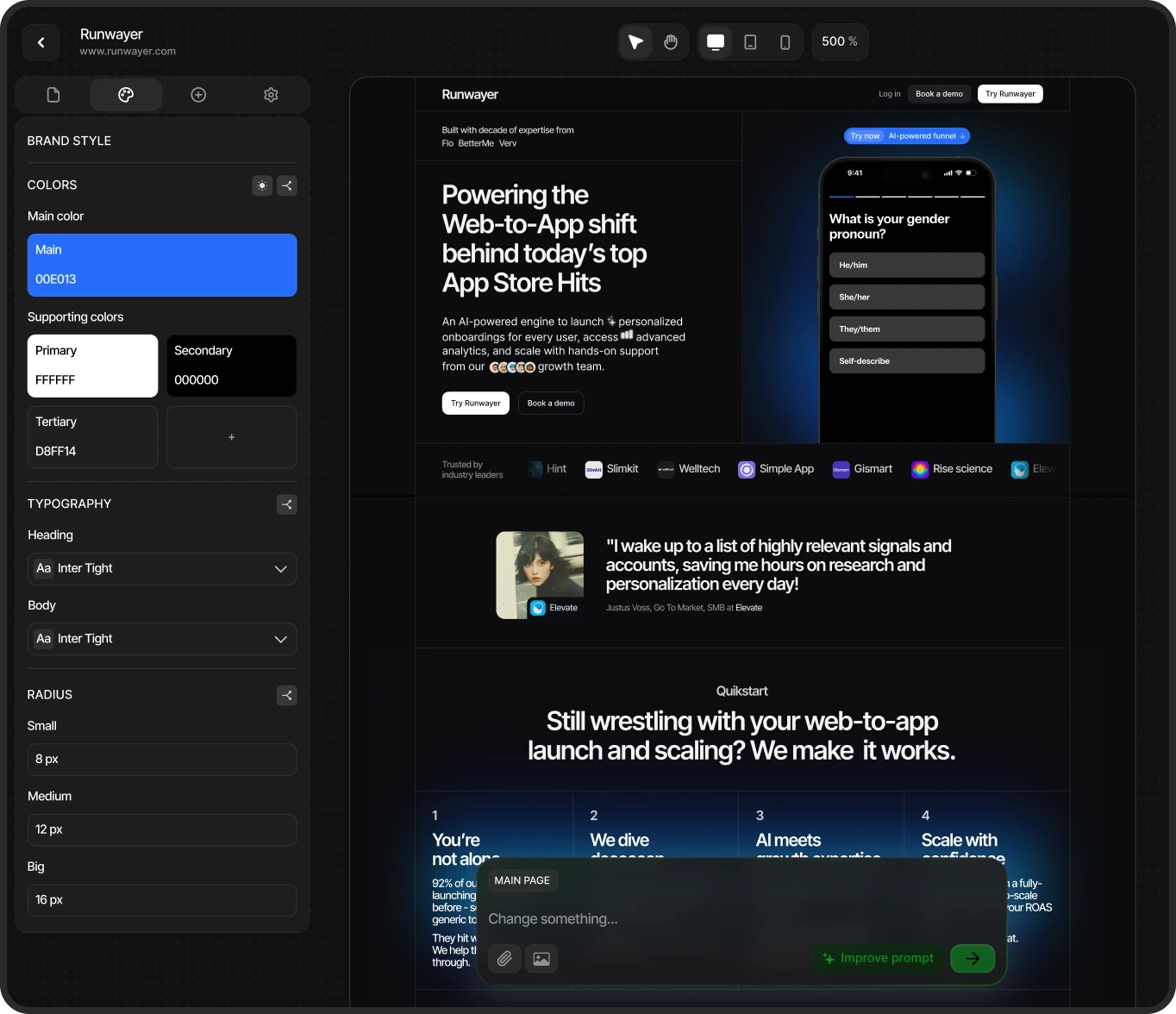
Here’s a problem I see constantly: Teams build one landing page that looks great, then build three more that use different fonts, colors, and button styles. Suddenly your brand looks amateur.
Loki.build fixes this by creating a “brand DNA” from your first page or URL reference. Every subsequent page automatically uses the same typography, color palette, spacing rules, and component styles. When you generate a pricing page, a features page, and a blog landing, they all look like they came from the same design system.
I tested this by generating five different pages for a fictional SaaS product. Without any manual intervention, all five maintained visual cohesion. That’s rare in AI tools.
If You Struggle With… Publishing Headaches (Hosting, Domains, SEO)
Then built-in hosting and SEO optimization is your solution.
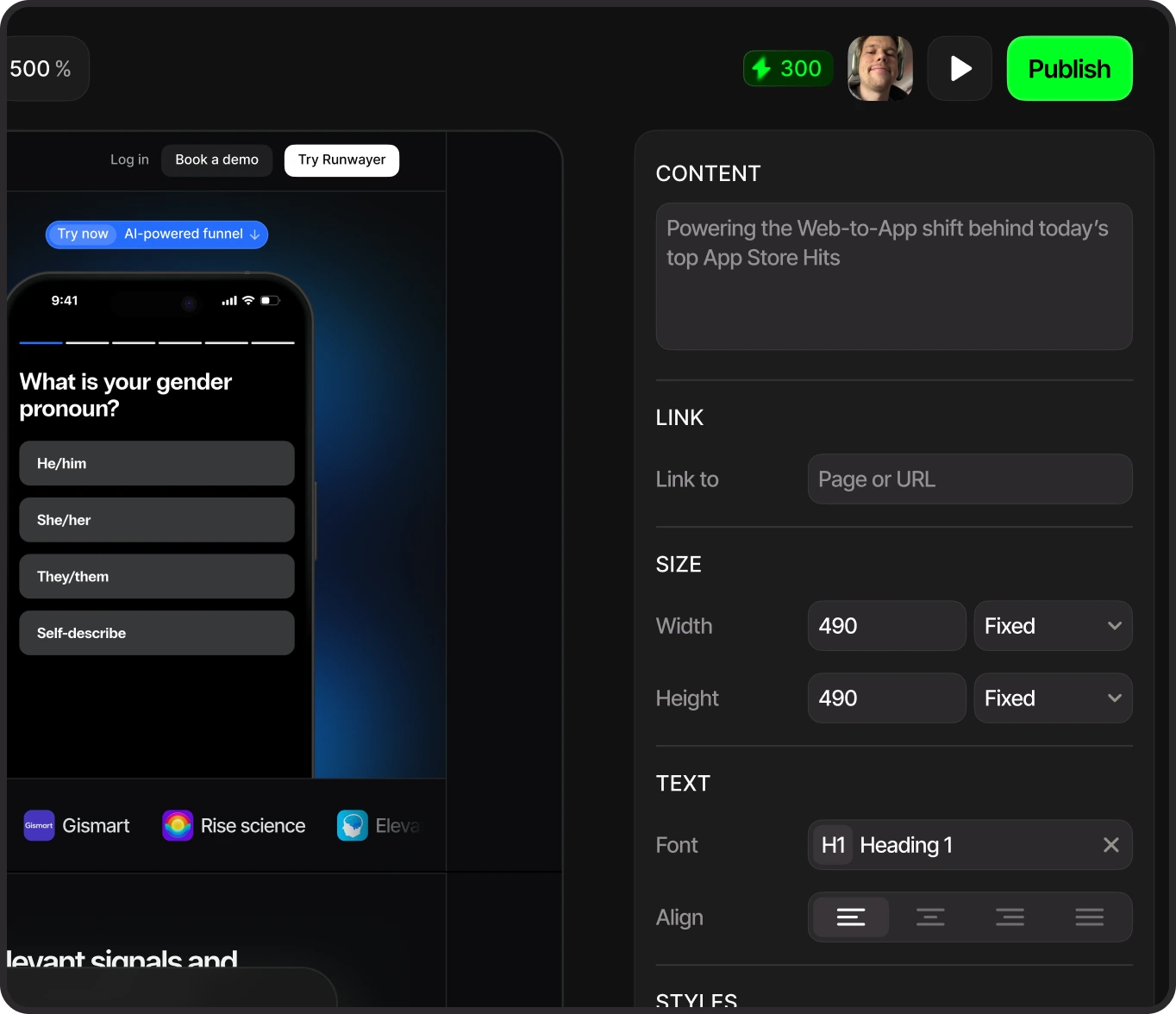
Most AI builders stop at design. You still need to export, find hosting, configure DNS, install SSL certificates, and manually add meta tags. It’s a nightmare.
Loki.build includes hosting and custom domain setup. You hit “Publish” and your site goes live with a clean URL. The tool automatically generates meta descriptions, proper heading hierarchies, alt text for images, and mobile-responsive layouts. Your page is ready to rank on Google from day one.
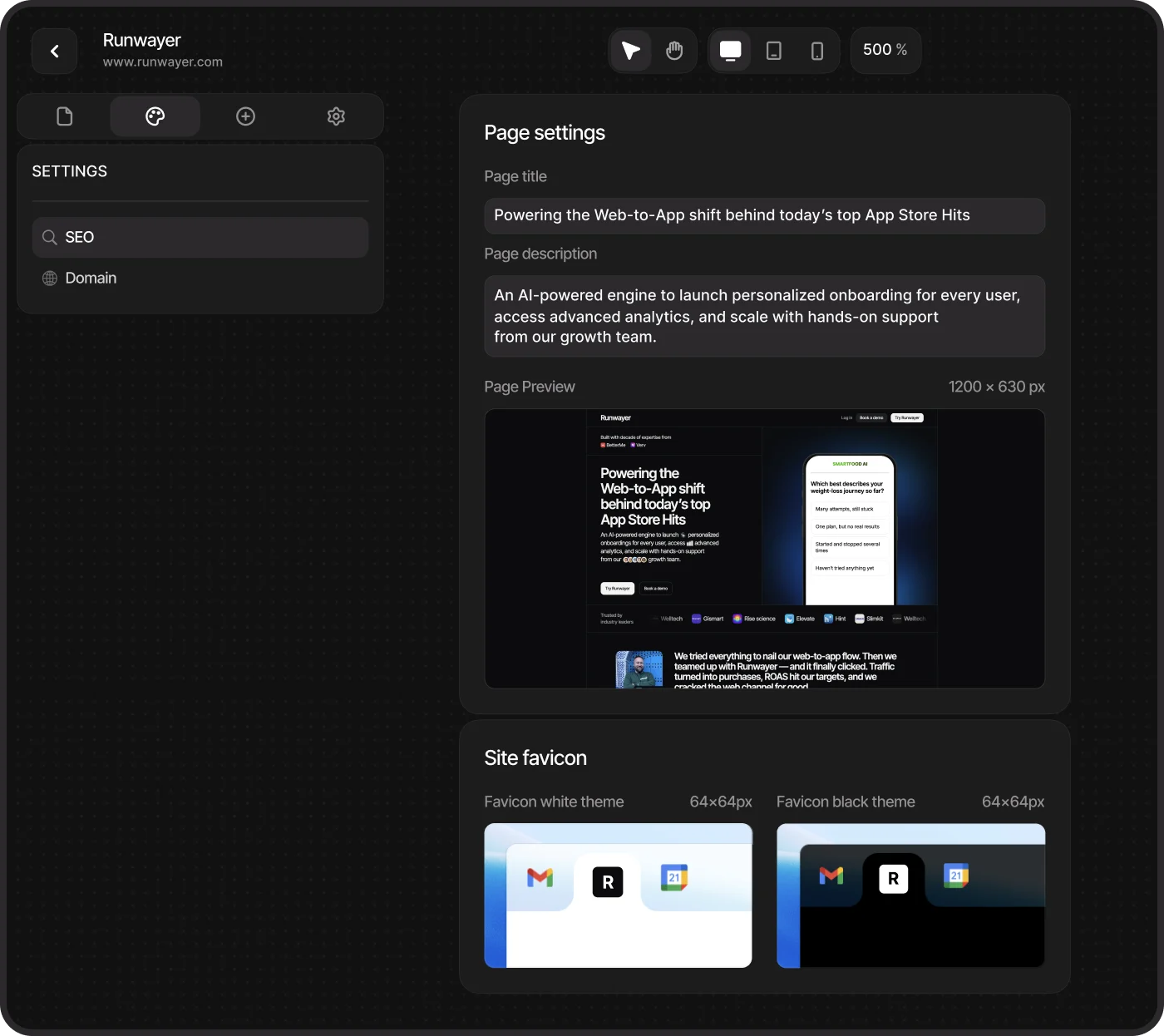
When I ran a test page through Google PageSpeed Insights, it scored 94/100 for performance and 100/100 for SEO. That’s better than most manually-coded sites.
The Honest Cons: Who Should NOT Buy Loki.build
If You Need Complex Custom Animations
Loki.build handles standard interactions well: hover effects, scroll animations, basic transitions. But if you need intricate, choreographed animations like Apple’s product pages or highly custom JavaScript interactions, this tool can’t do it yet.
Alternative: Use Framer instead. It’s harder to learn, but gives you full animation control.
If You’re Building Full Applications
Loki.build is purpose-built for landing pages, marketing sites, and multi-page brochures. It’s not designed for dashboards, SaaS applications, or anything with complex user authentication and backend logic.
Alternative: Use Lovable or Bubble for full-stack applications with databases and user management.
If You’re a Professional Designer Who Needs Pixel-Perfect Control
Designers who live in Figma and want absolute control over every 2px adjustment will find Loki.build limiting. The AI makes smart design decisions, but sometimes you just want to manually kern your headlines or adjust micro-spacing in a way the tool doesn’t support.
Alternative: Stick with Figma + Webflow for maximum control, but accept the time investment.
Pricing Breakdown: What You Actually Pay
Loki.build pricing wasn’t clearly published at time of writing, but based on Product Hunt launch information and competitor analysis:
| Plan | Estimated Price | Best For |
|---|---|---|
| Free Trial | $0 | Testing the platform before committing |
| Starter Plan | $25-35/month | 1-3 sites, basic features, solo founders |
| Pro Plan | $50-75/month | Unlimited sites, custom domains, priority support |
| Agency Plan | $150-200/month | Team collaboration, white-label options |
The Sweet Spot Plan: Most solo founders and small teams should go with the Pro plan. You get unlimited sites (so you can test variations and launch multiple products), custom domain support, and enough AI generation credits for serious use.
Launch Discount: Loki.build offered a 25% discount with code PHLAUNCH-25 during their Product Hunt debut. Check if this is still active.
Free Trial: Yes, you can test the full platform before paying. No credit card required for the trial period.
Final Verdict & Next Steps
Buy Loki.build if you need:
- Professional landing pages without hiring a designer
- Fast iteration (testing 3-5 page variations in an afternoon)
- Multi-page consistency for SaaS marketing sites
- Built-in SEO and hosting without the technical setup
Skip Loki.build if you need:
- Full applications with backend logic
- Ultra-custom animations and interactions
- Pixel-perfect design control for portfolio work
- E-commerce with shopping carts and inventory
My Take: For 90% of founders and marketers, Loki.build hits the perfect balance. It’s fast enough to ship in an afternoon, but polished enough that people won’t know you used AI. That’s rare in this space.
If you’ve been putting off building landing pages because design is too slow or expensive, this is your solution. If you’re managing multiple projects like tracking tasks in ClickUp, Loki.build fits perfectly into fast-paced workflows.
Ready to build your first AI-powered landing page?
Start Your Free Trial of Loki.build TodayFrequently Asked Questions
Is Loki.build actually better than just using ChatGPT + a builder?
Yes, and here’s why: ChatGPT can write copy, but it can’t generate production-ready designs with proper spacing, typography, and component layouts. You’d still need to manually build everything in a tool like Webflow or WordPress. Loki.build generates the entire page (design, code, and copy) in one step. It’s the difference between getting a recipe and getting a finished meal.
Can I export the code and host it myself?
Based on current information, Loki.build primarily operates as a hosted platform. If you need code export functionality, you’ll want to verify this feature during your trial. Tools like V0.dev or Lovable offer better code export options if self-hosting is a requirement.
How does Loki.build compare to Framer AI?
Framer AI is more powerful for custom animations and has a larger template ecosystem, but it has a steeper learning curve. Loki.build is more focused on speed. You can generate and publish faster with less design knowledge. Think of it this way: Framer is a sports car (more control, harder to drive), Loki.build is a Tesla (smart automation, easier to use).
Does it work for e-commerce or just SaaS landing pages?
While Loki.build excels at SaaS landing pages, it can generate product showcases and sales pages. However, it’s not a full e-commerce platform. You won’t get shopping carts, payment processing, or inventory management. For that, stick with Shopify or Webflow + Foxy.io.
Can I connect my own domain?
Yes, Loki.build supports custom domain connections on paid plans. The setup process is reportedly straightforward compared to manually configuring DNS records.
What happens to my sites if I cancel my subscription?
This is critical to verify during your trial. Most hosted platforms either keep your sites live but add their branding, or take them offline entirely. Check Loki.build’s specific policy before committing to a paid plan.
Is there a learning curve?
Minimal. If you can describe what you want in plain English, you can use Loki.build. The manual editor has some learning curve if you want precise control, but it’s nowhere near as complex as Webflow or Framer.
Can multiple team members collaborate on the same project?
This depends on your plan tier. Check if the Pro or Agency plans include team collaboration features like shared workspaces, commenting, or role-based permissions.