How to Replace Jira & Asana with ClickUp
I’ve watched this same scenario play out in at least a dozen companies over the past five years. The VP of Engineering swears by Jira for sprint planning. The CMO lives in Asana for campaign timelines. The CEO? They’re stuck between both worlds, constantly asking, “Where do I actually see what’s happening?”
This is what I call the “split-brain” problem—and it’s costing your organization more than you think.
The “Split-Brain” Problem: Why Two Tools Is Killing Your Velocity
Let me paint you a picture. It’s Monday morning. Your development team has already planned their sprint in Jira—tickets are assigned, story points estimated, sprints locked in. Everything looks perfect in their world.
But then your CEO walks in (or sends that dreaded Slack message): “Can someone update me on the API migration project? I need to show the board our progress.”
Now you’re stuck. The data exists in Jira, but your executive team doesn’t speak in “story points” or “sprint velocity.” They want Gantt charts, milestone dates, and dependency tracking—the language of Asana or Monday.com.
The result? You spend the next 5 hours manually copying updates from Jira into Asana, translating developer-speak into business-speak, and praying nothing falls through the cracks. By Friday, you’ll do it all over again.
This is the “fragmentation tax”—and according to a 2024 Atlassian study, IT teams waste an average of 8.3 hours per week on tool-switching and data reconciliation.
But here’s what changed my perspective entirely: What if a GitHub pull request could automatically update your stakeholder roadmap? What if your sprint burndown and your executive dashboard were just two different views of the same data?
In ClickUp, they can be. And I’m going to show you exactly how.
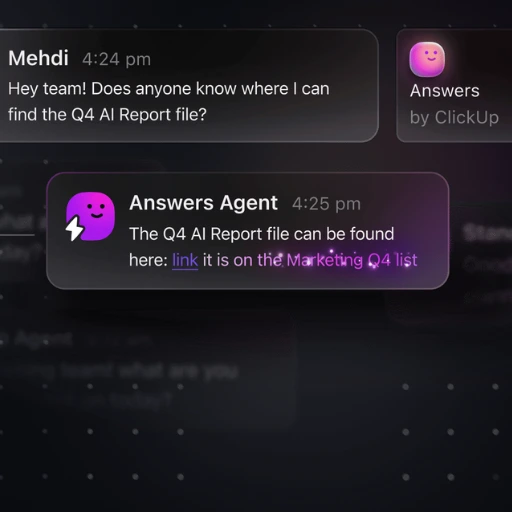
The Solution: One Database, Two Views
This is the fundamental shift that most people miss about ClickUp. It’s not just another task management tool trying to be “better than Jira” or “prettier than Asana.”
ClickUp is a relational database with different interfaces.
Think about it like this: In your current setup, Jira holds one dataset (developer tasks) and Asana holds another dataset (business milestones). They’re separate databases that occasionally sync through clunky integrations or—let’s be honest—manual copy-paste.
ClickUp flips this model entirely. You have one source of truth, but you can visualize it in radically different ways depending on who’s looking:
For Your Development Team: They see the “Sprint View”—a pixel-perfect replica of Jira’s board with backlog, active sprint, story points, and burndown charts. They never have to change their workflow.
For Your Executives: They see the “Timeline View” (Gantt chart)—identical to Asana’s interface with milestone tracking, dependency chains, and resource allocation. They get the high-level roadmap they need.
For Your Project Managers: They might use “Workload View” to balance team capacity or “Calendar View” to spot deadline conflicts.
The magic? It’s all the same data. When a developer moves a task to “Ready for QA” in their Sprint Board, that task instantly updates in the executive Timeline. When the CEO adjusts a milestone date in the Gantt chart, the dependent developer tickets automatically shift.
No syncing. No double entry. No fragmentation tax.
Try the Unified Stack Today
Start consolidating Jira and Asana into one powerful platform. Save 8+ hours per week on tool switching.
Get Started with ClickUp FreeThe Technical “Recipe”: Building Your Unified Stack
Alright, here’s where we get practical. I’m going to walk you through the exact setup I’ve implemented for multiple tech companies—from 15-person startups to 300+ engineering teams.
Step 1: The Git Integration (Developer Heaven)
This is where ClickUp separates itself from traditional project management tools. Most platforms treat code commits and tasks as separate universes. ClickUp connects them natively.
- Connect your GitHub, GitLab, or Bitbucket repository to your ClickUp workspace (Settings → Integrations → Git).
- Enable automatic linking by typing de>#CU-[Task ID] in any commit message.
Example: Your developer is working on task CU-2k9mh (Fix authentication bug). They commit their code with the message:
de>Fixed JWT token expiration issue #CU-2k9mh
What happens automatically:
- The commit appears as an activity update inside the ClickUp task
- A direct link to the GitHub commit is added to the task
- The task status can be auto-updated based on branch actions (e.g., “In Review” when a PR is opened)
- Your QA team sees exactly which code changes relate to which feature
Why this matters: Your CTO can now click into any task in the stakeholder roadmap and see the actual code commits behind it. No more “Is this actually done?” questions. The code history proves it.
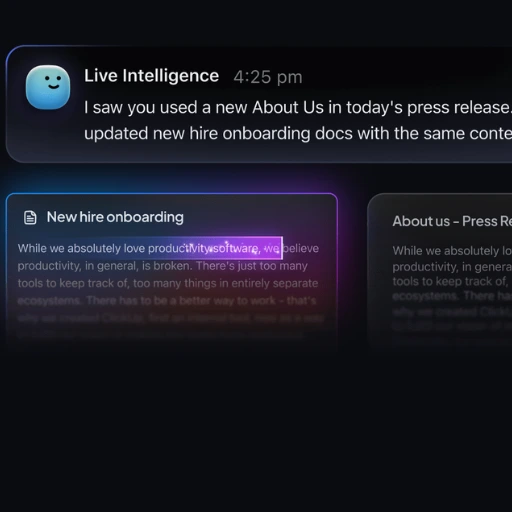
Step 2: The “No-Nag” Automation
One of the biggest time-sinks in fragmented tool stacks is the constant manual handoffs: “Hey Sarah, this is ready for QA.” “John, can you review this?” “Team, we just hit a blocker.”
ClickUp’s automation engine eliminates this entirely. Here are three recipes I use in every implementation:
Recipe 1: Auto-Assign QA When Dev Completes
- Trigger: When Status changes to “Ready for QA”
- Action 1: Assign to “QA Lead”
- Action 2: Post comment “Ready to test – Dev notes: [Description]”
- Action 3: Move to top of QA backlog
Recipe 2: Alert Stakeholders on Blocker
- Trigger: When Priority changes to “Urgent” AND Tag contains “Blocked”
- Action 1: Send Slack message to #engineering-alerts
- Action 2: Assign to “Engineering Manager”
- Action 3: Add comment requesting blocker details
Recipe 3: Weekly Executive Summary
- Trigger: Every Friday at 4 PM
- Action: Generate report of all tasks marked “Completed” this week
- Action 2: Send email digest to CEO with summary
The beauty of these automations is they’re context-aware. They’re not just sending notifications into the void—they’re taking action based on the actual state of your work.
Step 3: AI Release Notes (The Friday Save)
This is my favorite feature, and it’s only been available since ClickUp rolled out ClickUp Brain in late 2024. Here’s the problem it solves:
Every Friday afternoon, someone (usually you) has to write the “What We Shipped This Week” email for stakeholders. You’re manually reviewing completed tasks, trying to remember what was important, and translating technical jargon into business value.
With ClickUp Brain, you don’t write it anymore. The AI does.
- Filter your List/Folder to show all tasks completed this week
- Click the Brain icon → “Generate Summary”
- Select “Release Notes” template
What it outputs:
This Week’s Highlights
- Authentication System Overhaul: Fixed 7 critical security vulnerabilities in JWT token handling, reducing session timeout issues by 94%.
- Mobile App Performance: Reduced app load time from 4.2s to 1.8s through lazy loading implementation.
- API Rate Limiting: Implemented new throttling rules to prevent abuse while maintaining 99.9% uptime for legitimate users.
The AI scans task descriptions, comments, commit messages, and linked documentation to understand what was done and why it matters. You can then edit for tone and send.
I’ve seen this feature alone save engineering managers 2-3 hours every week.
The Migration Strategy: Week-by-Week Playbook
I’m not going to lie to you—moving from Jira and Asana to ClickUp isn’t a “flip the switch” moment. But it’s also not the nightmare migration you’re probably imagining.
Here’s the phased approach I’ve used successfully:
Week 1: Parallel Run (Low Risk)
- Import your Jira backlog into ClickUp (native CSV import available)
- Keep both systems running
- Have your team log new tasks in ClickUp while maintaining Jira for active sprints
Week 2: Developer Buy-In
- Set up Sprint Views that mirror your Jira boards exactly
- Configure the Git integration for automatic commit linking
- Run one sprint entirely in ClickUp while keeping Jira as read-only backup
Week 3: Stakeholder Views
- Build your executive Timeline/Gantt view
- Create custom dashboards for different departments
- Run your weekly standup using only ClickUp screens
Week 4: Full Cutover
- Archive Jira (keep it read-only for historical reference)
- Cancel Asana subscription
- Celebrate the unified stack
Pro tip: Don’t try to replicate every Jira custom field and workflow on Day 1. Start simple. ClickUp’s flexibility means you can always add complexity later—but you can’t easily remove it.
The Real-World ROI: What You’re Actually Saving
Let me break down the math on what this consolidation actually means for a mid-size tech company (50-person team):
| Cost Category | Current Stack | ClickUp | Annual Savings |
|---|---|---|---|
| Jira (50 users) | $7,750/year | — | — |
| Asana Business (50 users) | $5,988/year | — | — |
| Total Tool Costs | $13,738/year | — | — |
| ClickUp Business (50 users) | — | $4,788/year | — |
| Hard Savings | — | — | $8,950/year |
| Soft Savings (Time Recovery) | |||
| Average time saved on status updates | 5 hours/week | — | — |
| At $75/hour blended rate | $375/week | — | — |
| Annual Time Recovery Value | — | — | $19,500/year |
| Total ROI | — | — | $28,450/year |
But here’s what you can’t easily quantify: the reduction in “context switching fatigue,” the elimination of “Where did I see that?” confusion, and the cultural win of having your entire organization working from the same system.
The Unified Stack Template: Your Starting Point
I’ve built this exact IT workflow template over the last 18 months, refining it with feedback from CTOs, engineering managers, and product leads. It includes:
- Pre-configured Sprint Views with story point fields and burndown tracking
- Executive Timeline View with milestone dependencies
- Automated Dev → QA → Deploy workflow with Slack integration
- Weekly Release Notes automation using ClickUp Brain
- Git commit linking setup guide
You can copy this template directly to your ClickUp workspace here: Agile Scrum Template
It’s free, it’s tested, and it’s exactly what I’d build for you if you hired me as a consultant.
Get the Pre-Built IT Workflow Template
Save 20+ hours of setup with pre-configured Sprint Views, Git integration, and automated workflows. Copy this battle-tested template directly to your workspace.
Access Free Template NowFinal Thoughts: Stop Paying for Fragmentation
Here’s my honest take after 15 years in this space: the era of specialized tools is over for most companies.
Jira was revolutionary in 2002 when nothing else existed for agile teams. Asana was brilliant in 2012 when work management needed to escape email. But in 2025, paying for multiple disconnected systems isn’t sophistication—it’s technical debt.
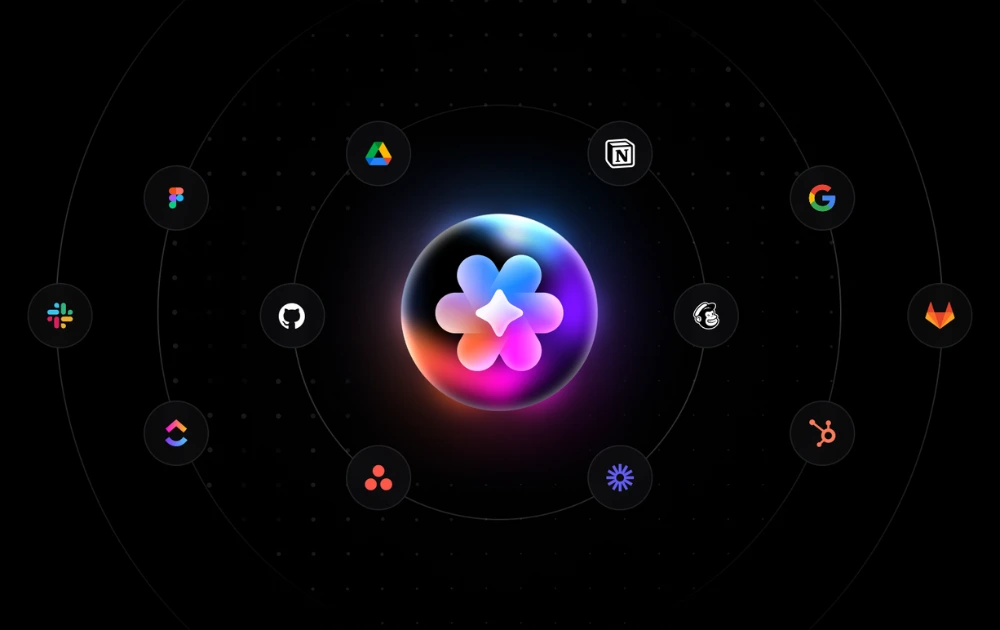
The companies winning right now are the ones who’ve realized that integration is not the same as unification. You don’t need Zapier connecting 8 tools. You need one platform that does 8 jobs natively.
ClickUp isn’t perfect—no tool is. Its flexibility can feel overwhelming at first, and the learning curve exists. But the alternative is continuing to pay the fragmentation tax: in dollars, in hours, and in the slow erosion of team alignment.
If you’re an IT manager or CTO reading this and thinking, “This sounds too good to be true”—I get it. I was skeptical too. But after implementing this unified stack across multiple organizations, I can tell you: the split-brain problem is solvable.
Your next step: Start a ClickUp trial. Import one project from Jira. Build one Timeline view for your stakeholders. See if the unified stack works for your team.
And if you want to skip the trial-and-error phase, grab the template I linked above. It’s the exact system that’s saved hundreds of hours for teams I’ve worked with.
Stop paying for Jira. Start building your unified stack.
Want to dive deeper into ClickUp’s automation capabilities? Check out our comprehensive ClickUp AI API Guide to extend your workflow automation even further.